AiListz · Web
AiListz: AI Content Creation Platform
Designed the web platform’s content-generation, persona, plagiarism-checking and in-product guidance workflows.
- Role
- Product Designer
- Scope
- AI content-creation platform
- Focus
- Web
- Designer
 Gideon Awolesi
My contribution · AiListz
AI content-creation platform
The work used familiar, editable controls alongside guided prompts, so first-time users could understand the tools without losing control of the output.
What I owned
- 01Mapped first-use onboarding, brand-style setup, content generation and plagiarism-checking flows.
- 02Designed conversational help and in-context explanations for unfamiliar AI decisions.
- 03Used shared interaction patterns across the editor, personas and advanced controls.


Overview
Details
- Role: Product Designer for the web platform.
- Objective: Help content creators draft content, check for plagiarism, switch personas, and use several AI tools without learning a different workflow for each one.
The validation focused on:
Make beta onboarding clearer for first-time users.
Reduce support requests with in-context guidance and clearer tool labels.
Test if conversational guidance made users more confident without taking control away from them.
User research
I interviewed bloggers, marketers, and developers about how they used AI tools and where the work got confusing.
- Onboarding: Technical language made a lot of AI tools hard for first-time users to understand.
- Disconnected tools: Each feature worked on its own, so none of them supported a complete content workflow.
- Unclear output: People couldn’t always tell why the product made a recommendation.
The interface used guided prompts and conversation to introduce each tool, and kept the settings and output controls visible.
Low-fidelity sketches
I mapped onboarding, brand-style setup, content generation, and plagiarism checking.
The wireframes showed where people could get stuck, especially when switching between personas.
Usability testing and refinements
Small groups tested the product over several rounds. Their feedback led to clearer menu labels, shorter prompts, and help with choosing a template or persona.
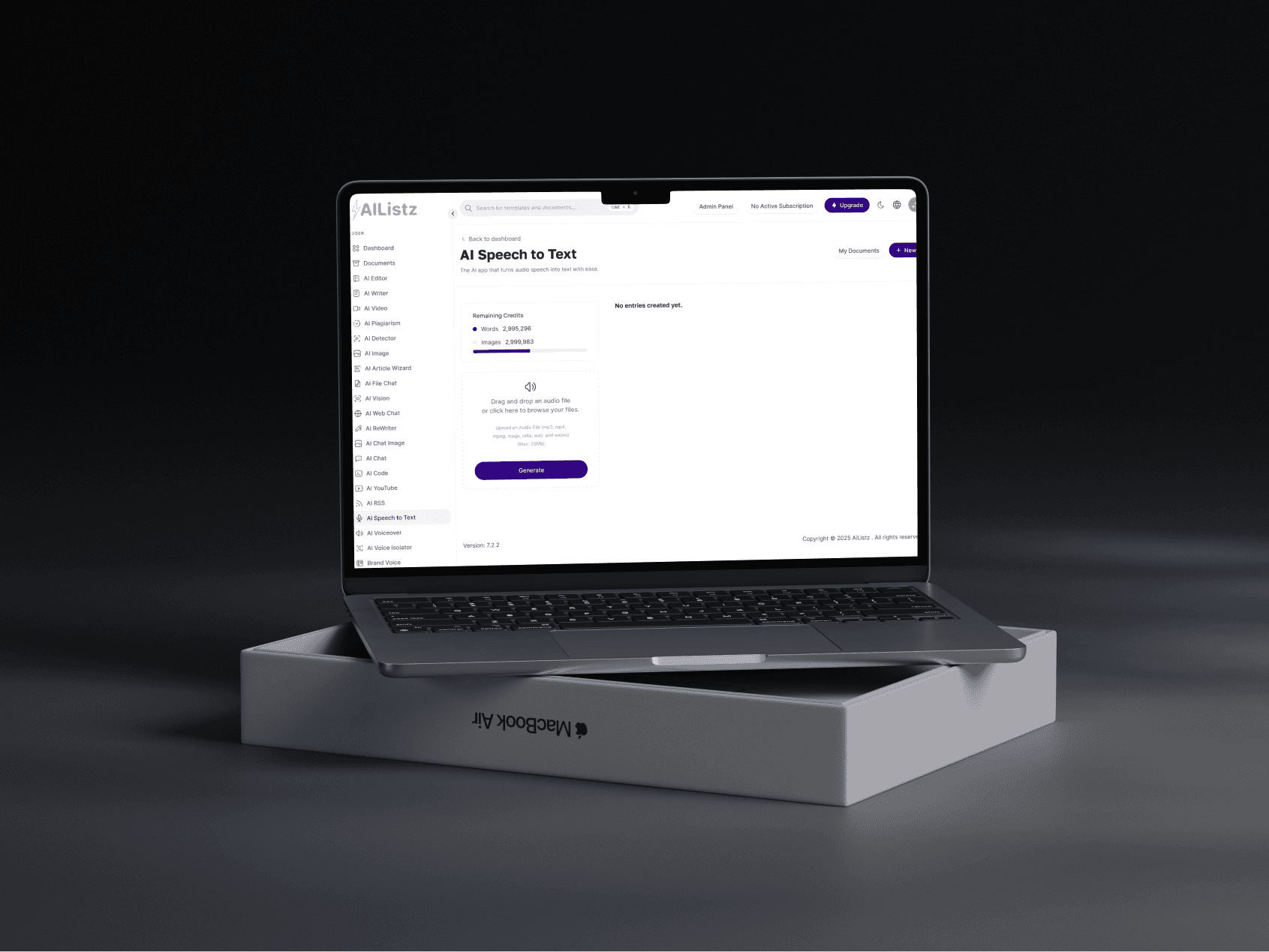
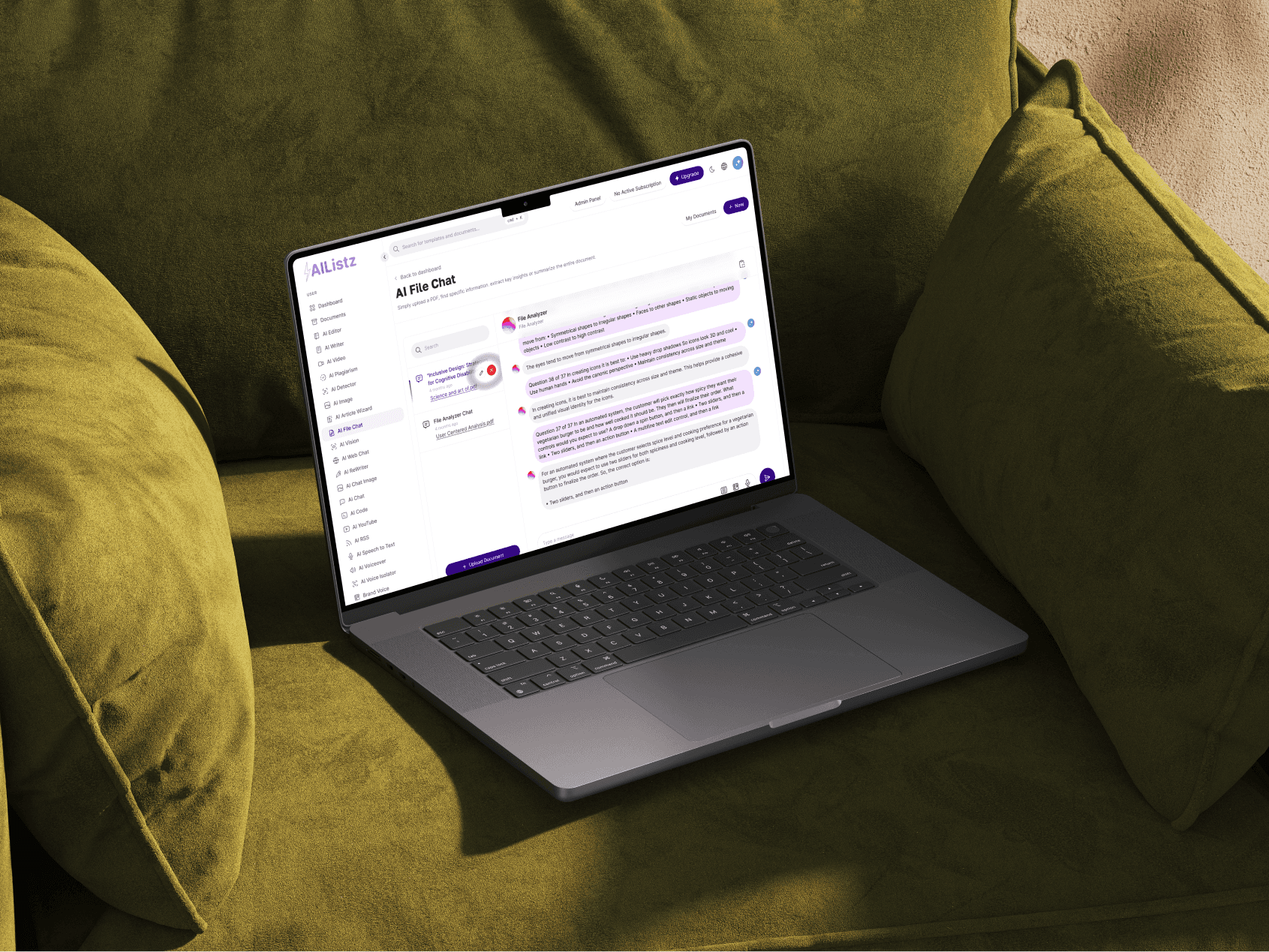
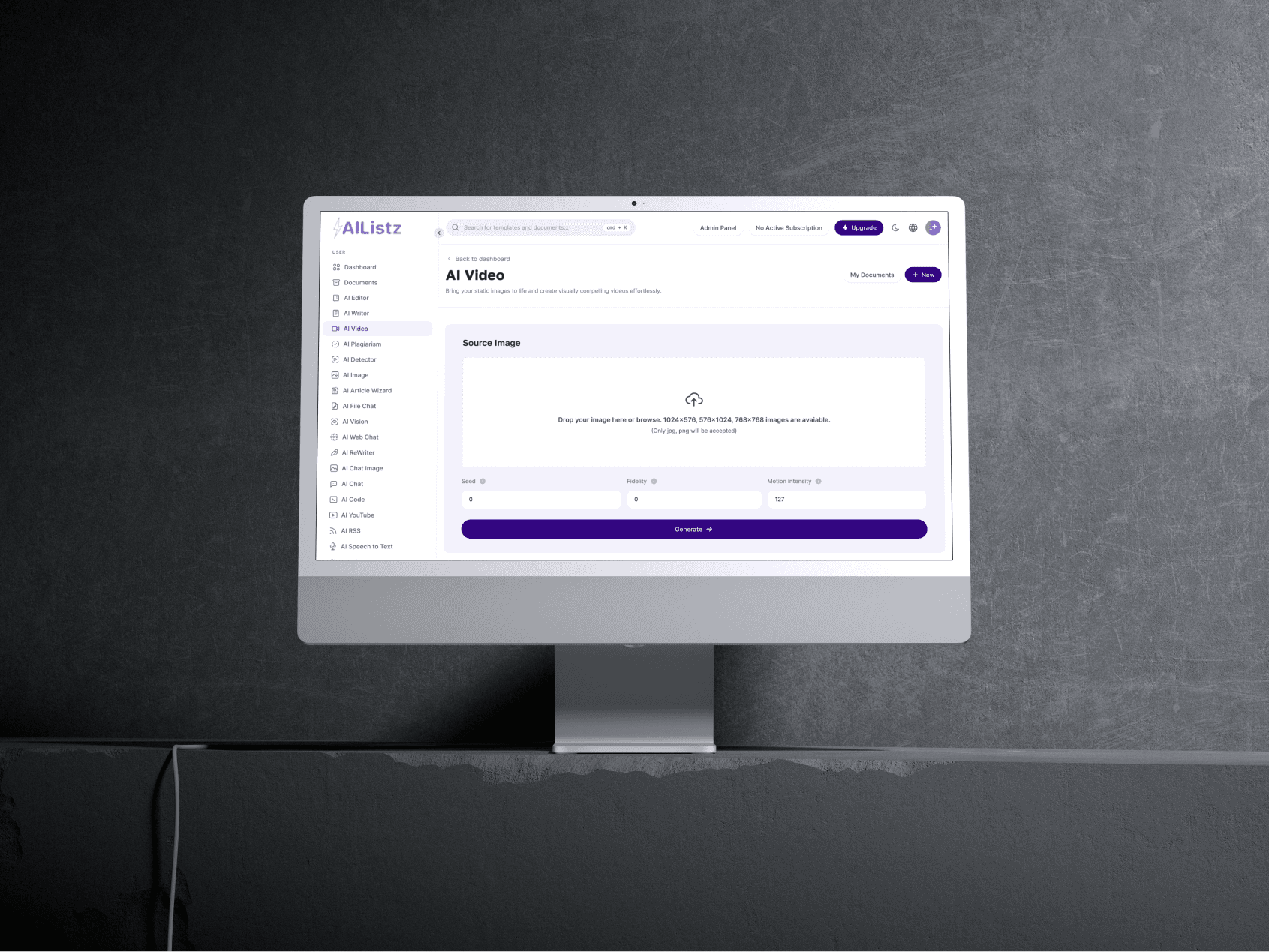
Menu structure: Each tool, including image generation and speech-to-text, used the same naming and navigation pattern.
High-fidelity prototypes
I applied the visual system and rewrote placeholders in plain language.
A shared design system gave the plagiarism checker, persona switching, and text editor the same interaction patterns.
I put advanced controls inside collapsible sections, so new users only saw them when they needed them.
Context and challenge
Bloggers, marketers, and developers often had to move between separate AI tools for drafting, plagiarism checks, and persona changes. The product brought those jobs into one conversation-based interface, and the controls stayed visible.
Primary goals
- Guidance: Explain each tool at the point where a new user needs to make a decision.
- Shared patterns: Keep the same interface structure when new tools, such as image generation and speech-to-text, are added.
- In-product help: Answer common questions next to the relevant setting or output.
AI design principles and conversation design
Show, don’t tell
Guided prompts and tooltips: Explanations appeared next to plagiarism checking, persona switching, and other unfamiliar decisions.
Conversational UI
Chat interface: Users could ask for help in natural language and get suggestions or a short demo of the feature, so they didn’t have to search through a long FAQ.
Transparency and user control
- AI explanations: Short summaries showed why the product suggested content or flagged possible plagiarism.
- Personalisation: Users could set the brand voice, tone, and style, and then edit the generated result.
What changed in the beta
Onboarding: Guided prompts and clearer navigation made the beta easier to understand.
Testing showed that people could find the main tools with less explanation.
Support: In-product guidance answered common questions where people needed it.
I designed the guidance and chat assistance to answer common questions before anyone needed to contact support.
Support requests from first-time users dropped by 90%, and beta sign-ups spiked.
User control: Explanations and editable settings made the AI output easier to inspect and correct.
Survey responses were positive about the in-product guidance and explanations.
User feedback: “It feels like I have a smart assistant guiding me, rather than wrestling with a confusing AI tool. I can see exactly what’s happening and why!”




Need this level of detail in your product?
Work through the hard product decisions early.
If you’re a product team, that can mean a focused design, system, or prototype project. If you’re hiring, it’s a chance to look closer at how I work across research, interfaces, and code.